Vs. Microsoft Paint
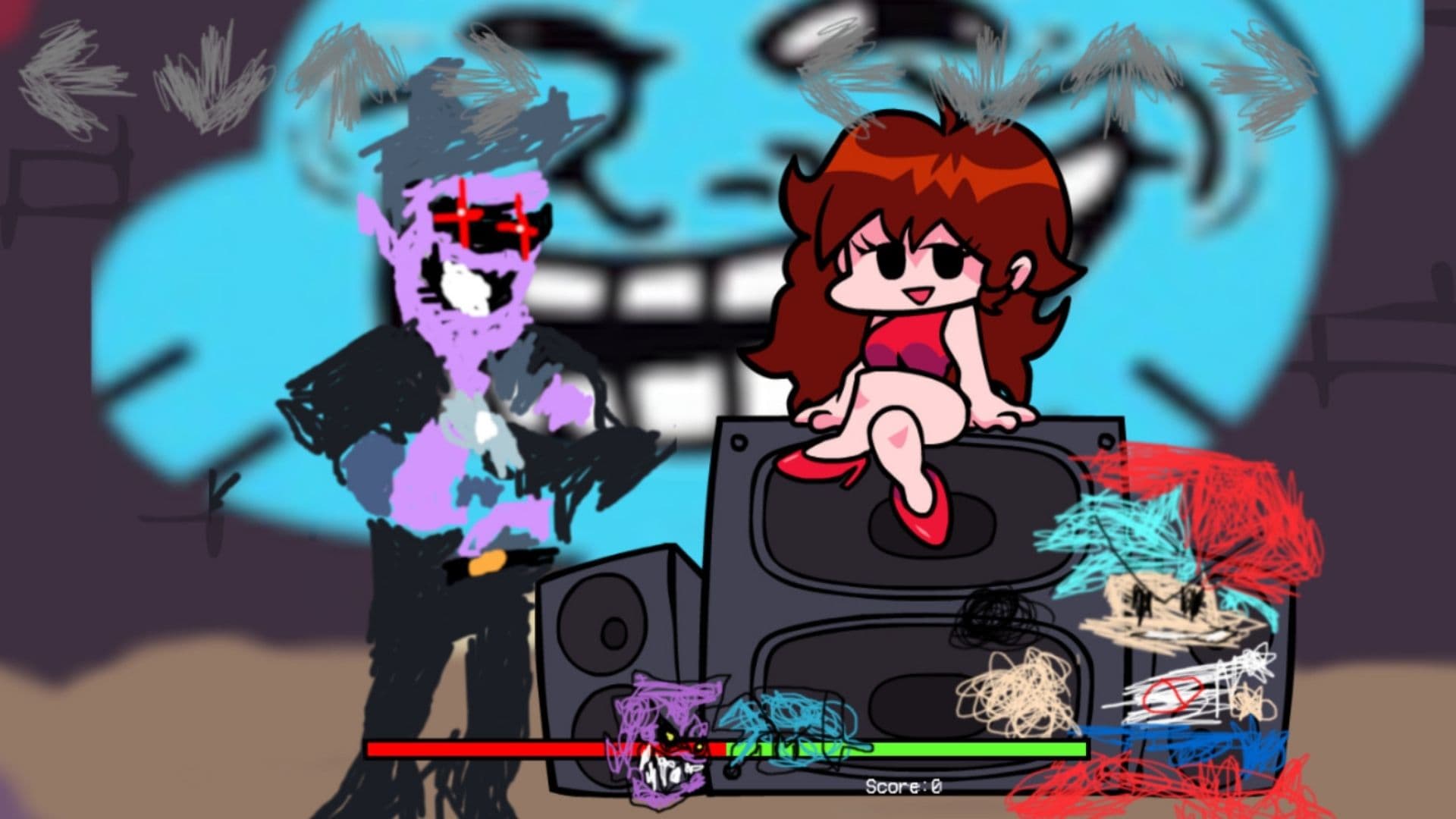
In FNF Vs Microsoft Paint, players are immersed in a colorful, hand-drawn world where Boyfriend faces off against a variety of doodles created using Microsoft Paint. The mod’s storyline is lighthearted and comedic, focusing on Boyfriend’s efforts to out-rap his opponents and prove his musical prowess. Unlike darker mods like FNF vs Smile Dog, this mod maintains a playful tone throughout, making it accessible to a wide range of players.
The mod includes several custom songs, each designed to match the whimsical aesthetic of Microsoft Paint. Tracks like “For Paint’s Sake,” “Noteworthy,” “Command,” and “Little Rox” showcase the mod’s creative approach to music, blending catchy melodies with humorous lyrics that poke fun at the idea of battling against doodles.
Play FNF Vs Microsoft Paint Mod Online
FNF Vs Microsoft Paint Mod Download
What Is Friday Night Funkin?
Friday Night Funkin is an open-source free-to-play rhythm-based indie game developed by Newground users, including ninjamuffin99 and KawaiSprite. The fact that the game is open source has made many FNF fans able to create new mods for the game. And this keeps the game always up-to-date. In the story of the game, The Boyfriend will have rap battles against characters who don’t like him because he is dating The Girlfriend. Let’s see what you can do on this journey.
How to play FNF Vs Microsoft Paint Mod?

You can play the game following the keyboard combinations:
Friday Night Funkin is a game played with [Arrow] keys.
[Enter] is used to make a selection in the menu,
[Space] key is used to pause the game and replay the last episode.